Aliens: Fireteam Elite 2 Character Customization Guide
Build a coherent Marine appearance, separate cosmetic and combat choices, complete both customization achievements, and fix missing or incorrect visuals.
Direct answer
Use Appearance for your Marine's body pieces, headgear, colors, hair, eyes, and voice identity. Use weapon and Loadout controls for decals, attachments, Augments, abilities, perks, and every choice that changes combat behavior.
Quick answer
- Head, torso, and legs are separate cosmetic regions for the Next Top Marine achievement.
- Armor colorways, headgear, hairstyles, eye colors, outfits, and voice pitch shape the Marine's identity.
- Weapon colorways and decals are configured on the weapon, while attachments and Augments belong to the combat loadout.
- Preview the finished look in the Hub and during a mission because helmets, hair, materials, and holstered weapons can look different outside the menu.
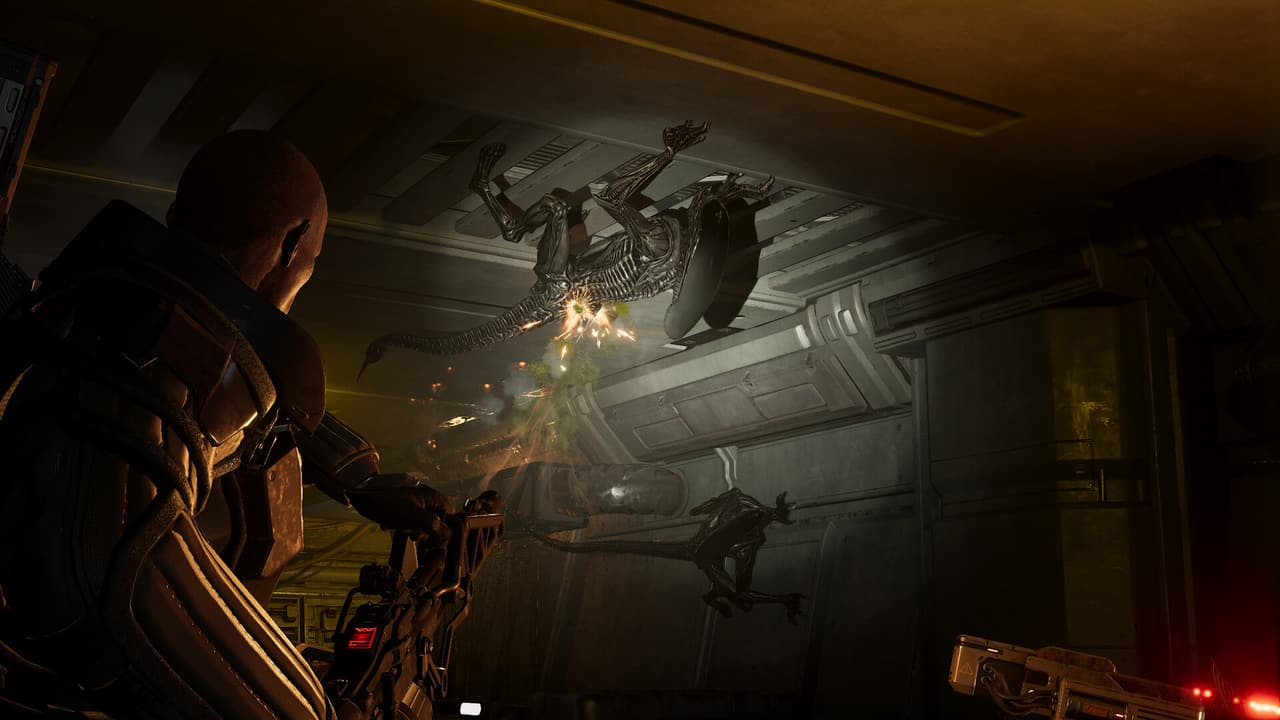
Know Which Screen Owns Each Change
Character customization has three practical layers: base identity, equipped appearance, and combat loadout. Start by identifying which layer owns the change so you do not search the wrong menu.
| Change | Where to manage it | What it affects |
|---|---|---|
| Hairstyle, eye color, voice pitch, and base identity details | Appearance | The Marine's personal identity |
| Headgear or helmet | Appearance | Head silhouette and visible hair interaction |
| Torso or upper-body piece | Appearance | Main armor silhouette and upper-body cosmetics |
| Legs or lower-body piece | Appearance | Lower-body silhouette and outfit pairing |
| Armor colorway or outfit presentation | Appearance | Visual theme only |
| Weapon colorway and decals | Weapon customization | The selected gun's appearance |
| Weapon attachments and Augment | Loadout | Weapon behavior and progression setup |
| Class abilities, perks, gear, and perk board | Loadout | Combat role and build function |
A useful boundary is to ask whether the choice changes how the Marine looks or how the build performs. Appearance choices establish identity. Weapons, attachments, Augments, abilities, and perks define combat function.
Build a Marine Appearance That Reads Clearly
Use a top-down process. A helmet can hide hair, a strong torso can dominate the silhouette, and a colorway can behave differently across separate armor pieces. Lock the large shapes before spending time on small accents.
- Choose the torso and legs first, then rotate the preview to check whether the two pieces share a coherent silhouette.
- Add headgear after the body pairing is stable. Inspect the forehead, hairline, neck, and shoulders for clipping.
- Apply the armor colorway and verify it across every equipped body region under more than one viewing angle.
- Add decals only after the underlying color and material are settled, so their contrast remains readable.
- Set hair, eye color, and voice pitch as the final identity pass.
- Leave the menu, inspect the Marine in the Hub, and complete a short mission check before treating the look as finished.
| Design goal | Start with | Final check |
|---|---|---|
| Recognizable squad silhouette | Distinct helmet and torso shapes | The Marine remains identifiable beside three teammates. |
| Consistent faction look | Related armor pieces and restrained decals | Logos, colors, and material treatment do not conflict. |
| Helmeted combat look | Helmet first, then compatible hair | Hair stays attached and avoids visible clipping while moving. |
| Face-forward identity | Minimal headgear, deliberate hair and eye choices | Face details remain visible in the Hub lighting. |
| Premium outfit setup | Outfit, backpack, hairstyle, then color details | Owned items render correctly and remain equipped after leaving the menu. |
The menu preview is useful for close inspection, while the Hub and mission camera reveal silhouette, movement, lighting, and holstered-weapon problems. Both checks are necessary for a reliable result.
Complete the Two Customization Achievements
The customization achievements test two separate systems. Next Top Marine checks character body regions. Yellow Makes It Shoot Better checks one weapon's cosmetic setup.
Next Top Marine
- Open the Appearance controls.
- Equip a cosmetic on the head region.
- Equip a cosmetic on the torso region.
- Equip a cosmetic on the legs region.
- Apply the setup and verify that all three regions remain equipped together.
Yellow Makes It Shoot Better
- Select one gun in weapon customization.
- Apply one colorway to that gun.
- Apply three decals to the same gun.
- Confirm the final weapon shows the colorway and all three decal selections together.
Do not mix character decals with gun decals while checking the requirement. The achievement wording specifically asks for a colorway and three decals on one gun.
Separate Cosmetics From Build Decisions
Visual choices can be changed without redefining the class role. A Marine can keep the same torso, helmet, and voice while moving from a healing build to a damage build, because abilities and perks live on the Loadout side.
| If you want to change | Keep unchanged | Edit this layer |
|---|---|---|
| The Marine's visual identity | Weapons and class build | Appearance |
| A gun's visual theme | Attachments and Augment | Weapon colorway and decals |
| Weapon behavior | Character appearance | Attachments, Augment, and weapon progression |
| Squad role | Character appearance and weapon cosmetics | Class abilities, perks, and perk board |
This separation also makes troubleshooting faster. When a decal is missing, inspect the cosmetic collection and selected weapon. When a stat or firing behavior is wrong, inspect the attachment, Augment, trait, and perk setup.
Fix Missing, Incorrect, or Clipping Cosmetics
Several launch issues affected headgear, hair, armor colorways, outfits, eye colors, voice pitch, premium cosmetics, and holstered weapons. Current updates include fixes for those areas, so begin recovery by confirming the game is fully updated and the expected item is owned.
| Symptom | Check | Recovery path |
|---|---|---|
| Headgear shows an unexpected logo | Equipped headgear and faction presentation | Reapply the item after updating, then compare it in Appearance and the Hub. |
| Helmet intersects the forehead or head | Body preset, hairstyle, and helmet pairing | Re-equip the helmet, test another hair option, then inspect the original pairing again. |
| Hair detaches or shows the wrong color | Chosen hairstyle, hair color, and headgear | Apply hair first, then reapply headgear and test movement outside the menu. |
| Armor colorway tiles or shades incorrectly | Torso, legs, outfit, and selected colorway | Reapply the colorway to the intended pieces and inspect under Hub lighting. |
| Eye color does not change | Face option and selected eye color | Reapply both choices, leave Appearance, then reopen it to confirm persistence. |
| Voice pitch sounds unchanged | Selected voice-pitch trait | Reapply it, leave the menu, and listen during normal gameplay dialogue. |
| Premium hairstyle or outfit looks wrong | Preset compatibility and owned content | Confirm ownership, update the game, then re-equip the premium item. |
| Premium decal is absent | Collection entry and owned-decals list | Confirm the entitlement is granted, then reopen the collection and weapon cosmetics. |
| Holstered or signature weapon clips through the body | Weapon, class, outfit, and Specialist selection | Re-equip the outfit and weapon after updating, then check the Hub pose again. |
Change one variable at a time. If you swap the face, hair, helmet, outfit, and colorway together, you lose the ability to identify which pairing caused the visual problem.
Verify the Finished Setup
Use this final inspection before leaving the Hub:
| Checkpoint | Pass condition |
|---|---|
| Identity | Hair, eyes, and voice pitch match the intended Marine. |
| Body regions | Head, torso, and legs all show the selected cosmetics. |
| Materials | The chosen armor colorway appears consistently on the intended pieces. |
| Decals | Character accents and weapon decals are applied to the correct targets. |
| Movement | Hair, helmet, backpack, and armor remain visually stable while moving. |
| Loadout | Cosmetic work did not displace the intended weapon, attachment, Augment, ability, or perk setup. |
| Persistence | The appearance remains equipped after closing and reopening the menu. |
If all seven checks pass, the customization is complete and ready for normal play.